
The problems that kill deals. We solve them before they do.
There's no real opportunity without real risk. Our job is telling you exactly how much of each you're looking at, before you commit.
Frustrated by managing all the players?
One point of contact for every property challenge.
Property problems rarely stay in one lane, and owners end up juggling everyone at once. GeoTech Realty coordinates the right specialists so you don't have to.
One point of contact who coordinates your deal team, recommends trusted partners, and reviews their findings with you, from the first question to closing.
- One coordinated relationship
- Vetted partners, not a directory
- We stay involved through closing
A commercial property can go wrong in a lot of ways.
Valuation & Market Position
Understanding current market value, projected cash flow (including during environmental remediation, redevelopment, and post-remediation), and the impact of interest rates, supply/demand, and industry shifts.
Mispricing · Market Conditions · Lost IncomeLocation, Access & Zoning
Analyzing traffic patterns, ingress/egress, visibility, ADA compliance, and navigating local master plans, building ordinances, and zoning regulations.
Traffic · Access · VisibilityProperty Condition & Physical Due Diligence
Identifying deferred maintenance, outdated systems (roof, canopy, electrical, plumbing), and functional obsolescence that buyers discount.
Deferred Maintenance · ObsolescenceEnvironmental Risk & Liability
Managing Phase I/II findings, contamination, how environmental findings affect insurability, flood/storm exposure, and the full remediation spectrum from strategy to cleanup costs.
Contamination · Insurability · ExposureRegulatory Compliance & Entitlement
Resolving use restrictions, variances, permitting issues, code compliance, and acting as a liaison with federal, state, and local regulators.
Zoning · Permits · EntitlementLeases, Tenants & Income
Evaluating lease quality, rent rolls, vacancy, tenant credit, and the financial implications of assumed leases.
Leases · Rents · Tenant QualityThe properties most investors walk away from are often the best value if you can read the risk; some complex properties become real opportunities once the challenges are understood, quantified, and priced correctly.


The sale everyone told them wasn't possible.
A family had run their gas station for years and needed to upgrade aging tanks. A decades-old fuel discharge was on record, and for years consultants and brokers had told them the property could never be sold.
GeoTech Realty, Inc. proposed selling instead of upgrading, and arranged a bank buyer contingent on a formal state closure order. GeoTech Environmental, Inc. oversaw the cleanup that made the order possible.
- Sale
- $2.75 million
- Cleanup
- Completed within 12 months
- Result
- Closure order issued, sale closed
Some ways GeoTech helps.

Decide before you commit capital.
Paid strategic advice when you have a decision to make: sell, hold, reposition, refinance, or redevelop. We map the options, quantify the risk, and tell you what each path really costs.
Explore Advisory →
Transact the property others won't touch.
Commercial brokerage with the environmental reality built into the deal: pricing, due diligence, and negotiation for sellers and buyers of high-risk property.
Explore Real Estate Services →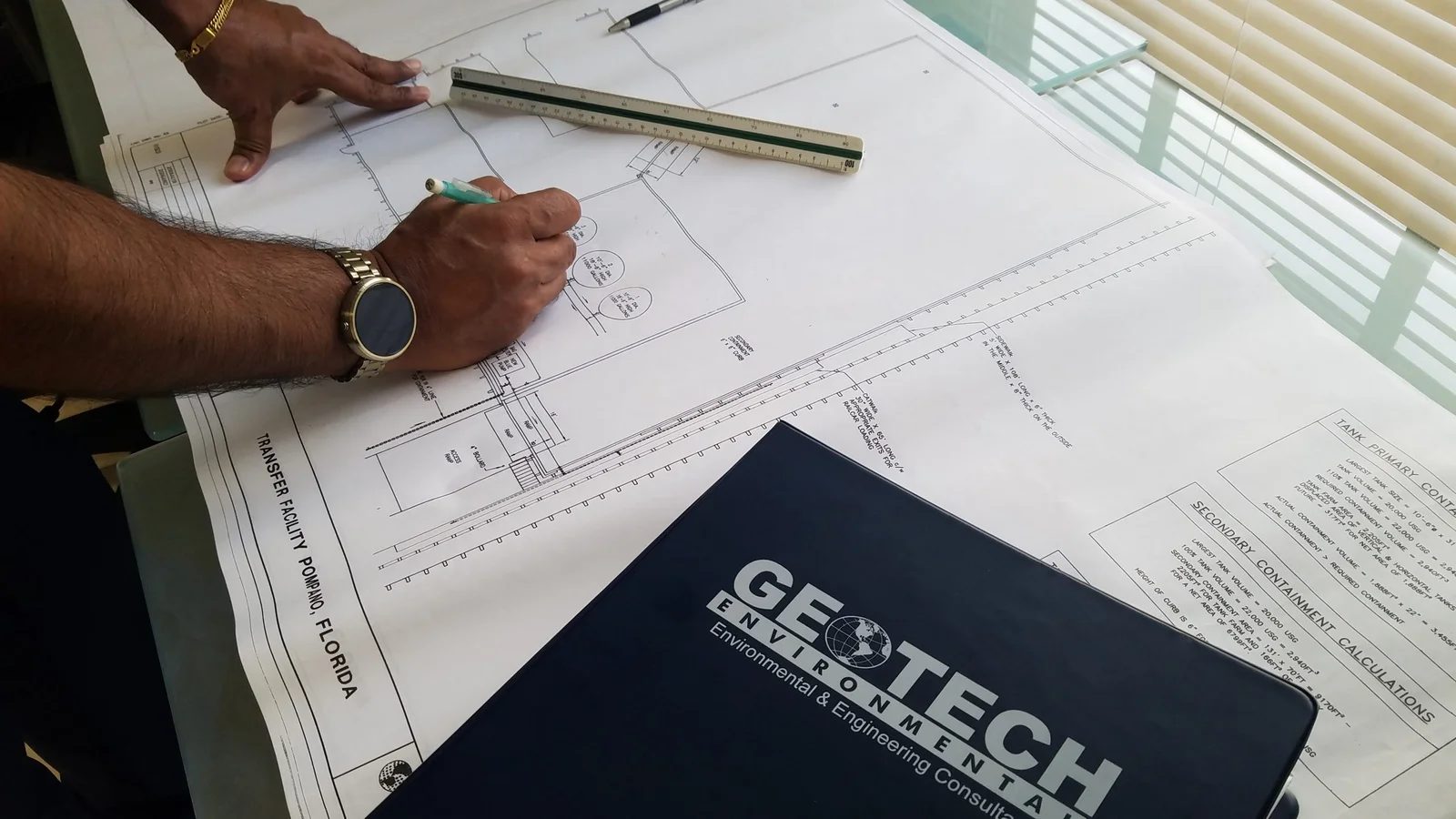
Understand the risk, then remove it.
Phase I & II Environmental Site Assessments, brownfields & remediation, hazardous waste, and storage-tank compliance, for the properties where risk runs highest.
Explore Environmental Services →A small firm with a big record.
For more than 30 years and 5,000+ projects, we've solved problems correctly, quickly, and at a fair price, and more than 92% of our clients come back.
Fluent with every party
Decades working across the whole transaction: buyers, sellers, attorneys, contractors, developers, and city, county, and state regulators. Few teams can speak to all of them.
Fast when it counts
Often a proposal the same day, and work that can start the next morning. We don't disappear, and we're not late.
Built to last
GeoTech has remained focused on environmental and commercial property challenges for more than three decades.
Honest to a fault
We can't promise to solve every problem. We can promise to try harder than anyone and tell you the truth throughout.
Real deals. Real outcomes.
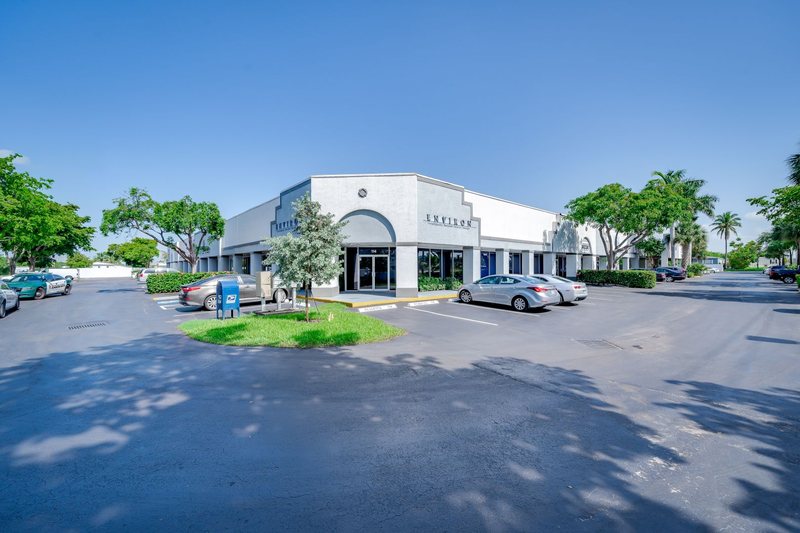
Value-add office building, South Florida
A 27,350 SF value-add office building, sold within 90 days of listing for $2,875,000, against a buyer represented by a major national brokerage.
Read the case study →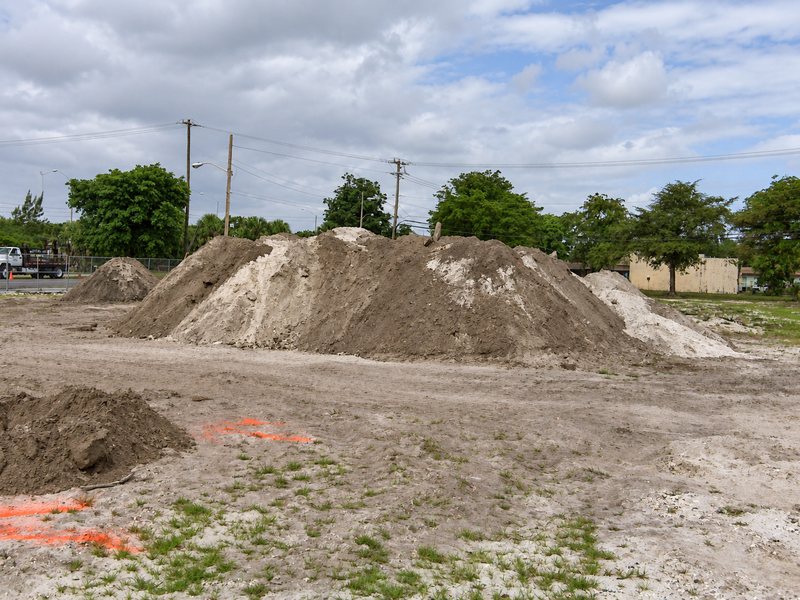
Municipal fuel-site remediation, South Florida
1,046 tons of soil thermally treated and source removal in 7 days, at a fully disclosed 6% overage on a competitive municipal bid.
Read the case study →Dollar General & T-Mobile, 1031 exchange
Two simultaneous NNN closings against one IRS clock, $4.64M combined, both closed inside the exchange deadline.
Read the case study →More than 92% of our clients come back.
"Since 2008, we have enjoyed working with GeoTech based on their excellent technical ability, great response, cost effective budget."
"Despite our own licensing, we chose this team for their expertise in environmental consulting and commercial real estate together."
Tell us about the property.
We'll tell you honestly whether it's a real estate problem, an environmental problem, or both, and what it will take.
Selling, buying, leasing, and advisory.
Real estate consultationAssessments, cleanup, tanks, and compliance.
Environmental consultation